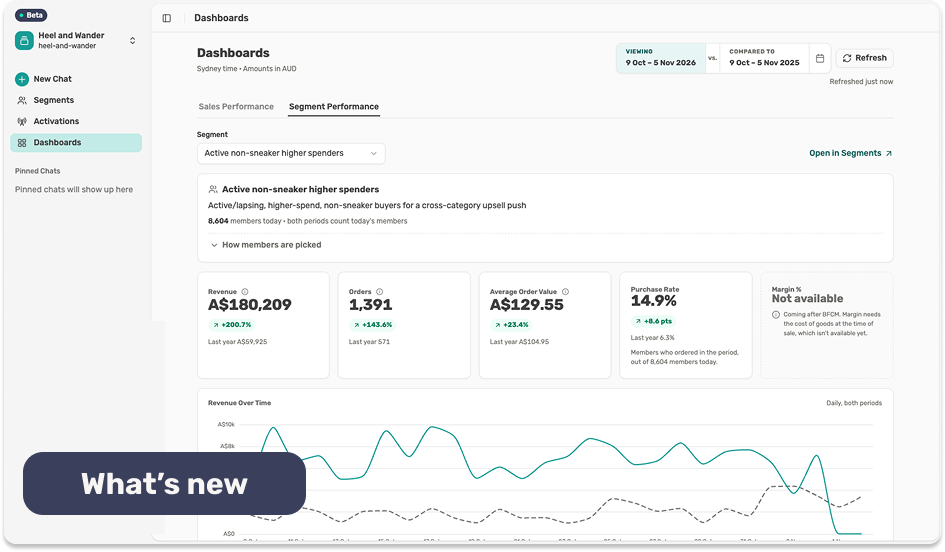
Describe the customers you want in plain language. Lexi builds the segment, shows the logic behind it, and keeps it current as behaviour changes.
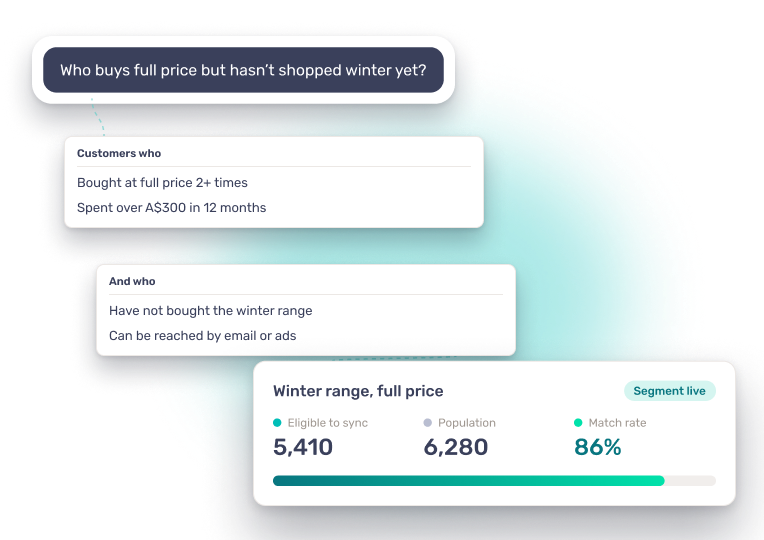
LEXI IN ACTION
How it works
Tell Lexi who you're after and it builds the segment from purchase history, engagement, lifetime value and predicted behaviour.
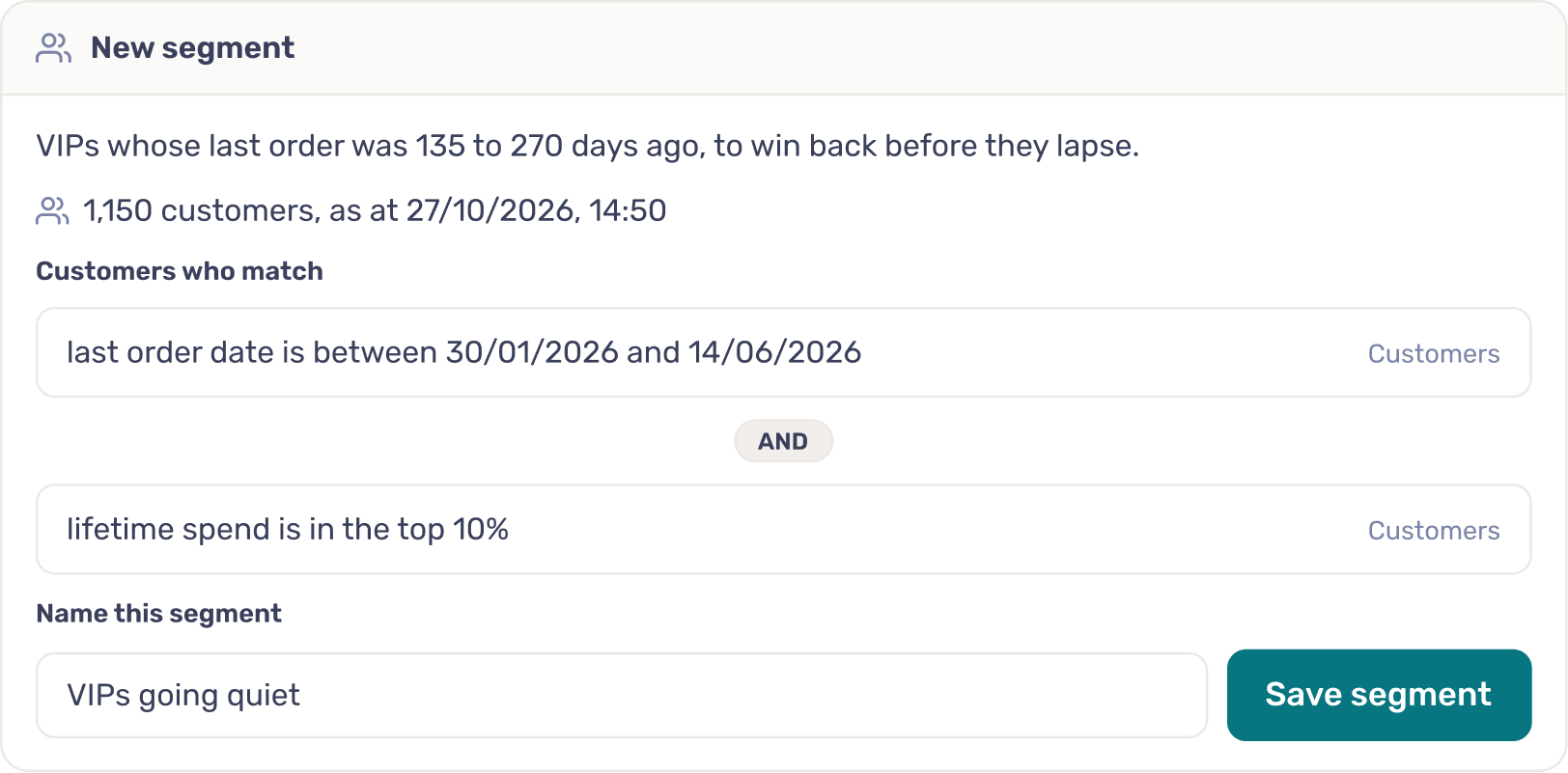
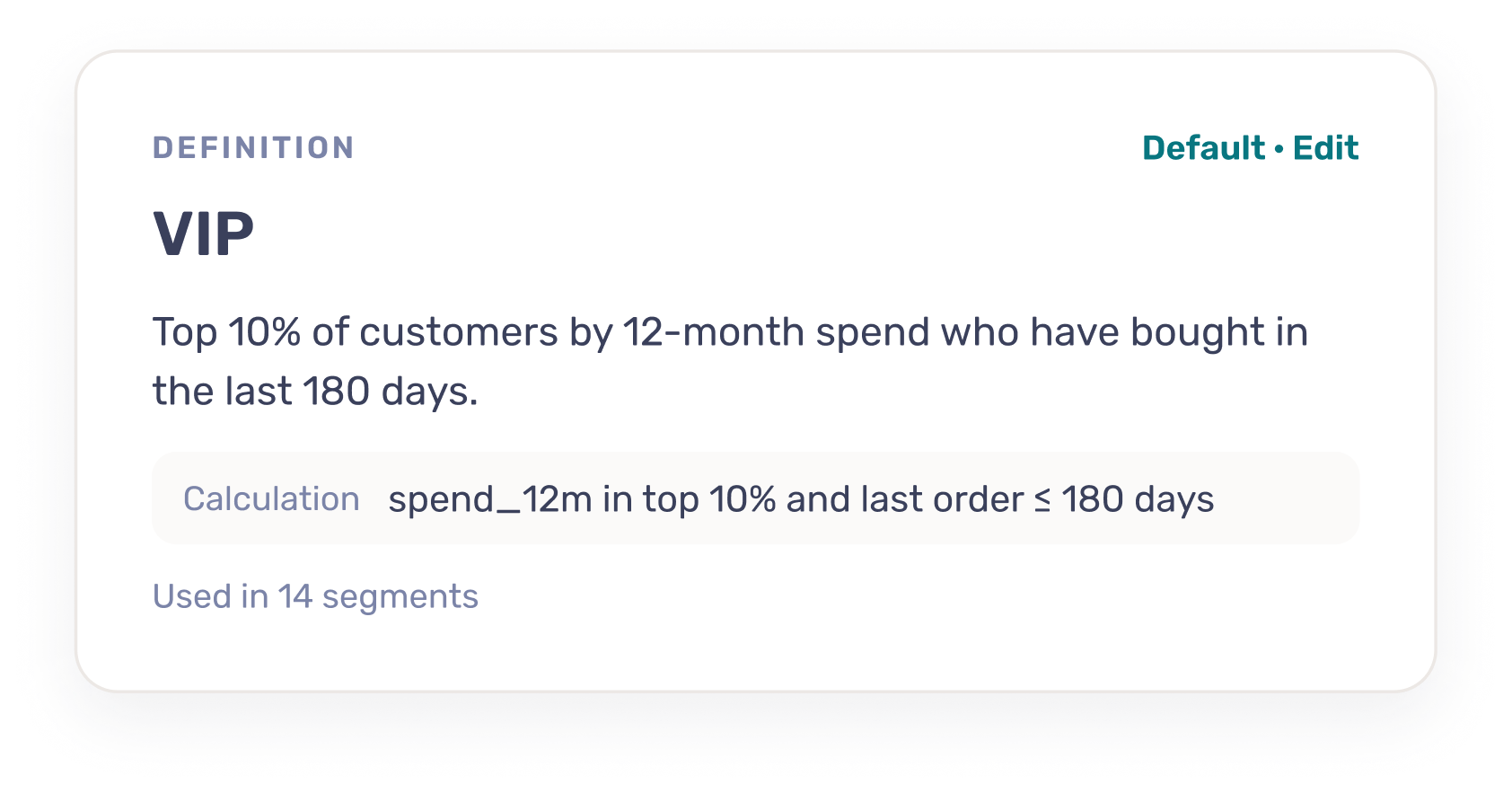
Lexi knows what VIP, active customer and lapsed customer mean in your business. Each starts with a sensible default and is yours to edit.
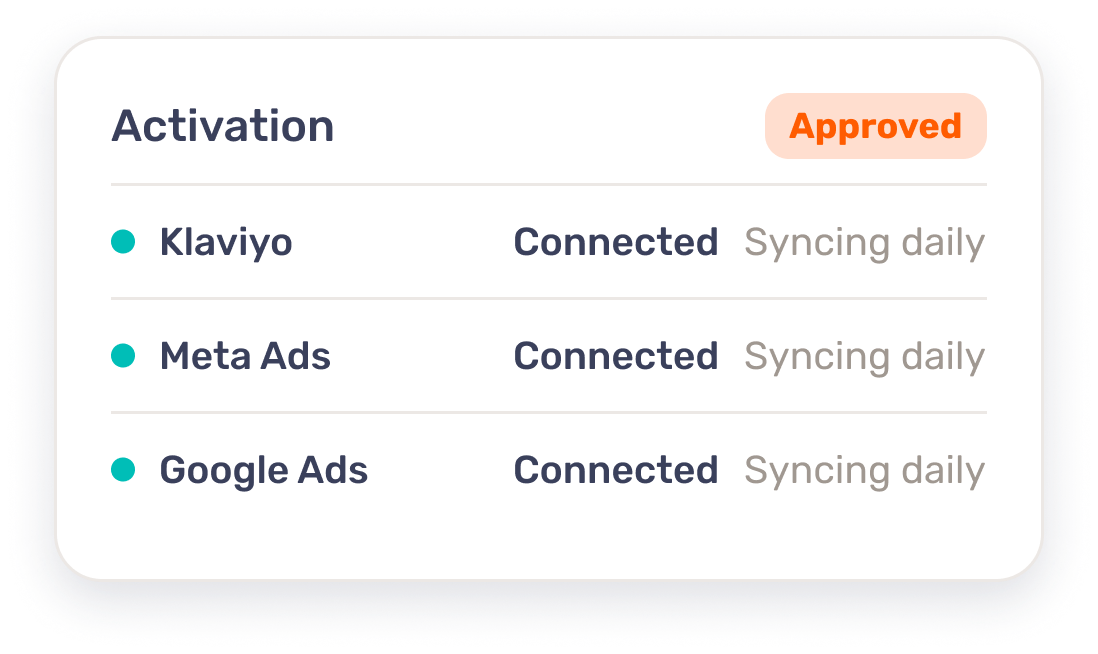
Push segments to Klaviyo, Meta Ads, Google Ads and Braze. They update in connected platforms as customers move in and out.
Under the hood
Every segment is built from your unified customer profiles and the definitions in your knowledge base, so the same question gets the same customers every time.
Segment types RFM, predictive (churn risk, predicted lifetime value, next likely category), and Experian demographic and lifestyle
Refresh Customers move in and out as their behaviour changes, with no manual rebuilds
Destinations Klaviyo, Meta Ads, Google Ads and Braze, with more in the integration library
Definitions Sensible defaults for VIP, active and lapsed customers, all editable
Suppression Opt-outs and recent purchasers are left out automatically
Control Your team approves before anything goes live, and every change is logged and reversible
"There are just so many ways you can slice and dice your customer data with Lexer, depending on what output you want to use it for. The segmentation is where the power really is."

Lexi reads your question, applies the definitions in your knowledge base, and builds the segment from your unified customer profiles. It shows the logic it used, so you can check it before you activate.
Yes. Every definition starts with a sensible default, such as the top 10% of customers by 12-month spend. Change it once in the knowledge base and every segment that uses it follows.
Yes. Customers move in and out as their behaviour changes, so you never rebuild a segment by hand.
Klaviyo, Meta Ads, Google Ads and Braze, with more in the integration library. Your team approves each activation before anything goes live.

Book a demo with Lexer
30 min • Video call • No commitment required
Loading available times…